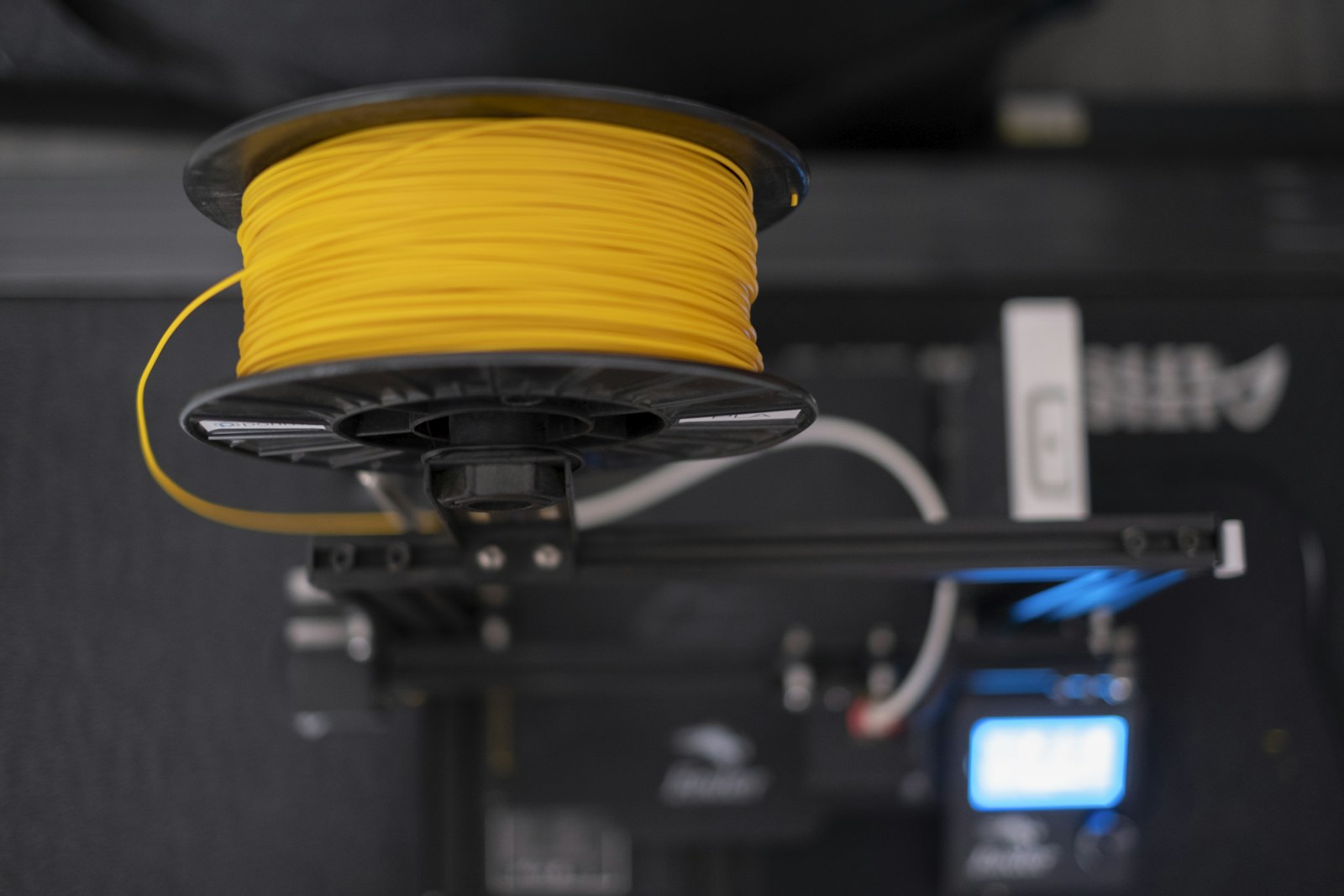
The question every beginner asks in their first month: "how much does it cost to print this part?". And the answer they usually hear, "just the filament weight", is the shortest path to a loss. After talking to dozens of makers selling parts in Brazil, the pattern repeats: whoever prices only the plastic charges 40-70% below the real cost. Let’s break down each component with 2026 market numbers.
1. Filament: the visible cost (and the invisible waste)
A 1kg spool of national PLA costs between R$ 80 and R$ 140 in 2026; PETG runs R$ 100-160; ABS in the same range as PETG. But the classic mistake is calculating only the part’s weight. Every real FDM print job carries: purging at print start (2-5g), support towers (5-40% of the part’s weight), skirt/brim and failures. Average total waste lands between 10% and 25% of consumption.
Rule of thumb: multiply the part’s weight by 1.15 before converting to cost. A 50g part in R$ 100/kg PLA doesn’t cost R$ 5 in material: it costs R$ 5.75 counting average waste.
2. Energy: the cost that shows up on the power bill
A mid-consumption printer (Ender 3 class: 120-150W while printing, 50W holding temperature) uses about 0.10-0.15 kWh per hour on average. With the Brazilian residential rate at R$ 0.75-1.00/kWh in 2026 (varying by flag and state), each print hour costs R$ 0.08-0.15 in power. Sounds small, until you print a 20-hour part, or run a 5-machine farm 12h/day: R$ 270-540/month in energy alone.
- Open printers (Ender 3, Prusa MK4 unenclosed): 100-160W average
- Enclosed core-XY (Bambu P1S, X1C): 120-200W average, but print 2-3x faster
- Resin printers: washer + UV cure add 50-100W in short cycles
- Tip: measure once with a watt meter (US$ 6-10): the real numbers surprise people
3. Depreciation: the printer "pays for itself", but you must count it
Your R$ 2,500 printer has a real service life of 4,000-8,000 print hours before needing an overhaul (or becoming a parts donor). Ignoring this is the hobbyist’s most expensive mistake. Divide investment by service life: R$ 2,500 ÷ 6,000h = R$ 0.42/hour. On a 6-hour part, that’s R$ 2.50 of "machine rent", money that must go into the price so you can replace the printer when it dies.
- Ender 3 (R$ 1,200-1,800): 4,000-6,000 useful hours → R$ 0.25-0.40/h
- Bambu Lab A1 (R$ 2,200-2,800): 6,000-8,000h → R$ 0.30-0.45/h
- Bambu Lab X1C / P1S (R$ 3,500-6,000): 8,000-10,000h → R$ 0.45-0.70/h
- Add nozzles, belts, gears and seals: an extra R$ 0.05-0.15/h
4. Failures: the tax nobody declares
With a calibrated machine and a tested profile, the failure rate sits at 3-8%. Just starting or testing a new material: 15-30%. Every failure throws away 100% of that print’s material and energy. If 5% of your prints fail, your effective cost per part rises ~5%, as simple as that. Whoever doesn’t price for failures is subsidizing the client out of their own pocket.
5. Post-processing: the time that doesn’t show
Removing supports, sanding, painting, curing resin, assembling multi-part prints: each stage consumes minutes or hours of your time. If you sell painted parts, post-processing often takes MORE time than the print itself. Decide what your hour is worth (R$ 15-50/h is a reasonable range for Brazil) and add it to the cost. "Free" work is work you are paying to do.
The complete math: a real example
- Part: headphone stand, 50g of PLA, 6h of printing
- Filament (50g × 1.15 × R$ 0.11/g): R$ 6.33
- Energy (6h × R$ 0.12): R$ 0.72
- Depreciation (6h × R$ 0.35): R$ 2.10
- Failure reserve (5%): R$ 0.46
- REAL COST: R$ 9.61, still without your labor
Now imagine charging R$ 10 for that part because "the filament cost R$ 5". A loss disguised as a sale. With a reasonable 50-100% margin over real cost, this part should sell for R$ 15-20, more if painted or assembled.
How to stop losing money today
Manual math works until the third part of the month. After that, with a materials catalog, printers with different costs and an order history, the spreadsheet can’t keep up, and that is exactly where the margin disappears without you noticing. The EiPrint cost calculator automates this math (filament, energy, depreciation, failures and margin) and the app keeps the history so you can see which part actually turns a profit. Free to start, on Android and in your browser.